Connect the work with
the systems behind it.
Business software spanning desktop applications, web interfaces, and the connections between them.
The problem. Business administration, inspection applications, and accounting systems needed to exchange information across desktop and web software.
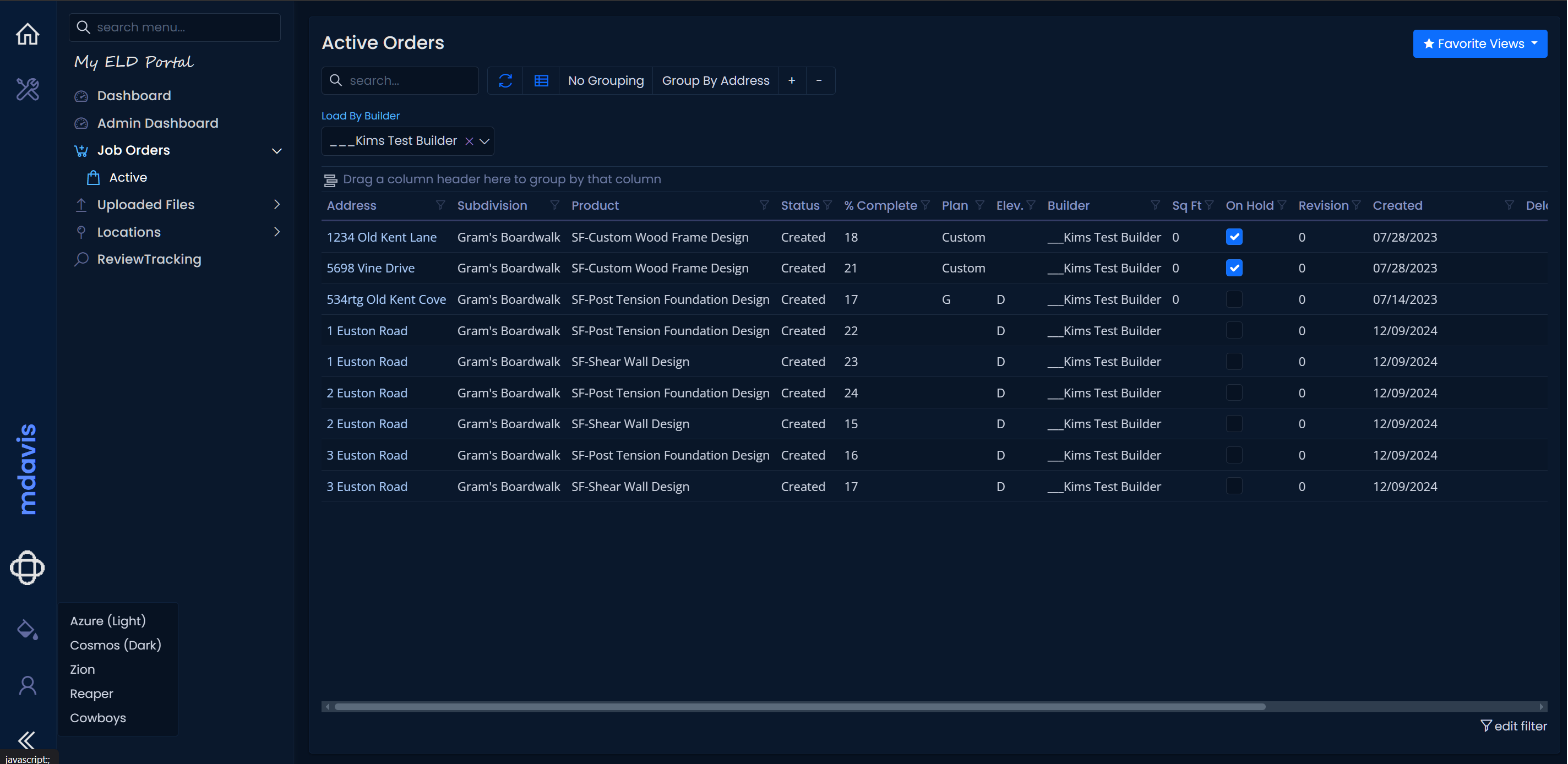
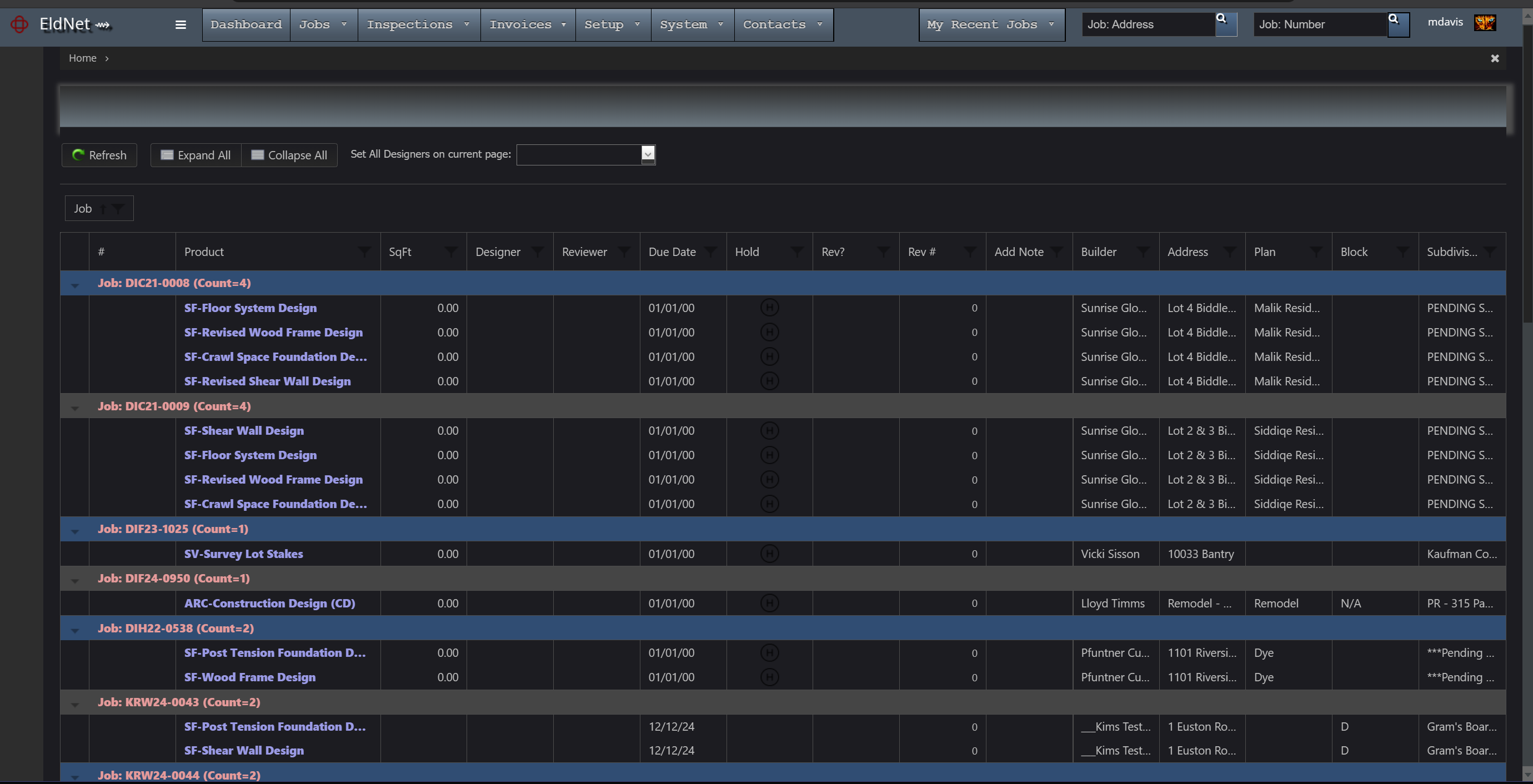
What I built. Multi-user business software, administrative web applications, and integrations for ELD Engineering. The work included a mobile-compatible web rebuild, REST APIs, and synchronization services connecting QuickBooks Online, SnapInspect, and other data stores.
The result. Connected applications and data exchange supporting the business workflow, with implementation, documentation, user training, and ongoing support.